How to Get More Views on YouTube Shorts (Real Reasons and Real Fixes)
You are not alone in having uploaded YouTube Shorts without receiving any views. Many content creators find themselves in the same position and continue to struggle despite consistent posting. Some Shorts get thousands of views in minutes, while others stay stuck at zero or very low numbers.
This article explains why that happens and what actually works. Everything shared here is based on real creator experience, platform behavior and how YouTube currently recommends Shorts, including things I’ve seen and tested while working on content for Sociofire.
If you’re trying to Get More Views on YouTube Shorts, knowing how the system reacts to new videos matters more than just posting every day.
What Counts as a View on YouTube Shorts?
A view on a YouTube Short is counted as soon as the video starts playing. Replays are also counted. However, views alone do not decide whether your Short will be pushed to more people.
YouTube focuses more on:
- How long do people watch the Short
- Whether they finish it
- Whether they watch it again
- Whether they like, comment or share
A Short with fewer views but strong watch time usually performs better than a Short with many quick swipes.
Why Are Your YouTube Shorts Not Getting Views?
1. Weak Opening Seconds
Research shows that people usually make their judgement about whether or not to continue watching in less than two seconds.
Creators often lose views by starting with greetings, explanations or silent frames.
What works better is starting with action, movement or a clear problem.
2. Low Audience Retention
Retention is one of the strongest signals YouTube uses. If viewers leave early, the Short stops being recommended.
Long pauses, slow pacing or repeating the same point reduce retention quickly.
Shorts that perform well usually stay under 20 seconds and move fast.
3. No Clear Topic or Niche
If your content is random, YouTube struggles to understand who should see it. This slows growth.
Those channels that specialise in creating content for the same type of audience or topic tend to grow more quickly than other channels because YouTube’s algorithm learns who would be interested and recommends videos.
4. Poor Titles and Descriptions
Even Shorts need proper titles and descriptions. These help YouTube understand the content and also help the video appear in search results.
Generic titles or missing descriptions reduce discoverability.
5. Inconsistent Posting
Additionally, if you post one short and don’t post another to see how the first one performs, then it is more difficult for YouTube to gather information and learn from your video.
If you only post short, five-second-long videos at once, this also damages their performance because subsequent videos’ engagement is split into sections.
6. Low Video or Audio Quality
People tend to abandon low-quality videos. Blurry video, soft audio, and text that is not clear diminish trustworthiness; it is therefore less likely that an individual will see the video through until completion.
7. Copying Trends Without Original Value
Trends work, but only when you add something different. Reposting the same format without a unique angle usually fails.
YouTube rewards originality even within trends.
How the YouTube Shorts Algorithm Works in Simple Terms?
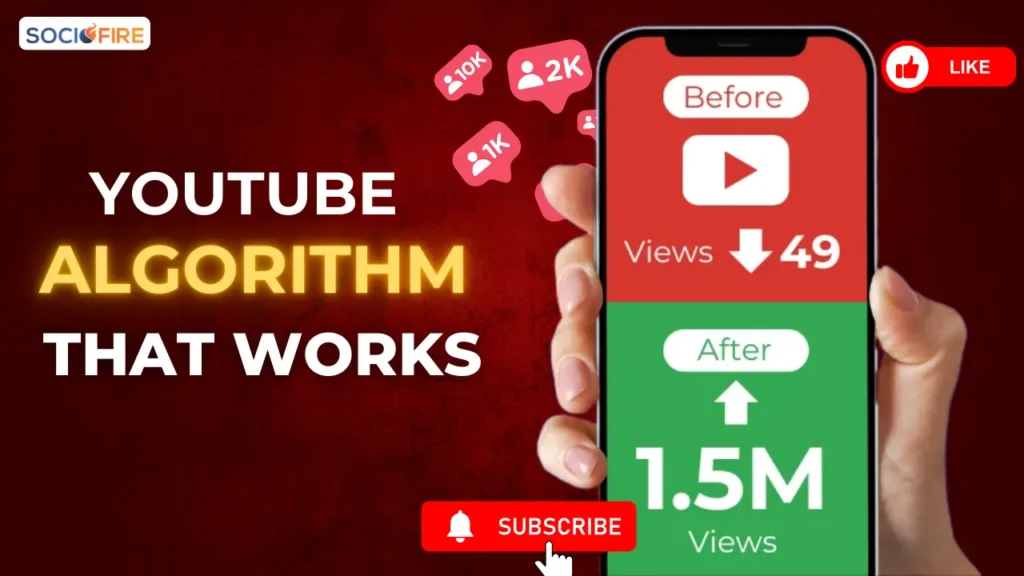
YouTube introduces newly uploaded videos by showing them to a limited number of viewers. Then, if the majority of the viewers who have already viewed the video find value in the video during the first ten to fifteen seconds or interact with it in some manner, it will be shown to an increasing number of viewers.
If a viewer leaves the video within the first ten to fifteen seconds of viewing it, the ranking or amount of promotion by YouTube will slow down or cease altogether.
This process can happen immediately or after several hours. Some Shorts take a day or more before they get pushed. This is very important to understand if you’re trying to Get More Views on YouTube Shorts.
A delay does not mean failure.
What Actually Helps Increase YouTube Shorts Views?
1. Start Strong Every Time
The first seconds matter more than anything else. Show the most interesting part first.
Avoid explaining. Show or state the result immediately.
2. Focus on Watch Time
Edit out anything that does not add value. Keep the pace fast and clear.
Captions help keep viewers watching, especially without sound.
3. Create Natural Loops
Shorts that feel seamless at the end often get replayed. This increases watch time without extra effort.
4. Encourage Simple Engagement
Asking viewers to comment or like can increase interaction. Even small engagement signals help the algorithm.
5. Upload Consistently
One to three Shorts per day is enough. Consistency matters more than volume.
Stick to similar topics so YouTube understands your audience.
6. Study Your Analytics
YouTube Studio shows where viewers leave. Use that data to improve pacing and structure.
People who make things and look at the numbers to see how they are doing these people do better than those who do not look at the numbers. The creators who review analytics are the ones who grow faster than the creators who ignore the analytics.
Search Terms People Use for YouTube Shorts Views
These are common phrases users search for:
- How to get views on YouTube Shorts?
- YouTube Shorts not getting views
- Why do my Shorts have zero views?
- YouTube Shorts algorithm
- How to grow YouTube Shorts?
- Increase YouTube Shorts views
- YouTube Shorts SEO
- Best hashtags for YouTube Shorts
- Shorts views stuck
Use these naturally in titles, headings, and descriptions.
Conclusion
To help Shorts grow, the people who make Shorts need to know how their audience watches a Short. They have to make shorts every time they put a new Short online. This way, the people who watch Shorts will keep coming to watch more Shorts.
When you make a Short, you need to grab the audience’s attention fast, within the first few seconds. You have to tell them what your Short is right away. It is also very important to make all your shorts the same length, so they are all 60 seconds or all 30 seconds. If you made a Short that people liked, you should do the same things in your new Shorts that made the other one successful, like repeat the good parts of your previous Shorts.
Most popular Shorts creators do not have their first video go viral.
Frequently Asked Questions About YouTube Shorts Views
Why do my YouTube Shorts get zero views?
YouTube suggestions can be slow to figure out what is good about videos. This is because YouTube videos do not always get it right at first. When a new YouTube video is uploaded, and people do not watch the YouTube video all the way through, that is a problem. The YouTube video did not grab the YouTube video viewers’ attention.
YouTube has a time deciding how to show this video to people. The YouTube system needs time to learn what people like about videos. YouTube may struggle with this because the video did not do well with the people who watched it first.
How long does it take for Shorts to get views?
With some Short videos, their view counts can increase rapidly (within minutes) after they are published, while with other Short videos, it may take longer (sometimes hours, days) to accumulate an adequate amount of views; this will happen with both types of videos frequently.
Do hashtags help with YouTube Shorts?
Yes. Including relevant hashtags in your Short video can be beneficial in helping YouTube correctly categorise your content as well as assisting with the discovery process in search and recommendations.
Can old Shorts suddenly go viral?
Yes. YouTube may retest older Shorts if viewer behavior changes or if similar content starts performing well.
Is posting every day necessary?
The main takeaway is that posting daily helps build audience presence, but that video production quality should be really your primary concern for the success of your Shorts creator career, and that filming consistently will have the biggest impact on the success of your YouTube Channel, regardless of whether you are posting weekly, daily, or any number of intervals you choose.